
Short answer
The QR pattern itself never expires. A static QR code keeps working forever but cannot be changed. A dynamic QR code can be edited, but it depends on the provider keeping your link active, so it can stop working if a trial ends, a subscription lapses, a scan limit is hit or the account is deleted. Read the terms before you print.
You printed a QR code on 500 business cards, a trade show banner and your laptop sticker. A year later someone scans it and gets an error page. The pattern did not wear out. Something behind it changed. Whether that can happen to your card depends on what kind of QR code you have.
The short answer
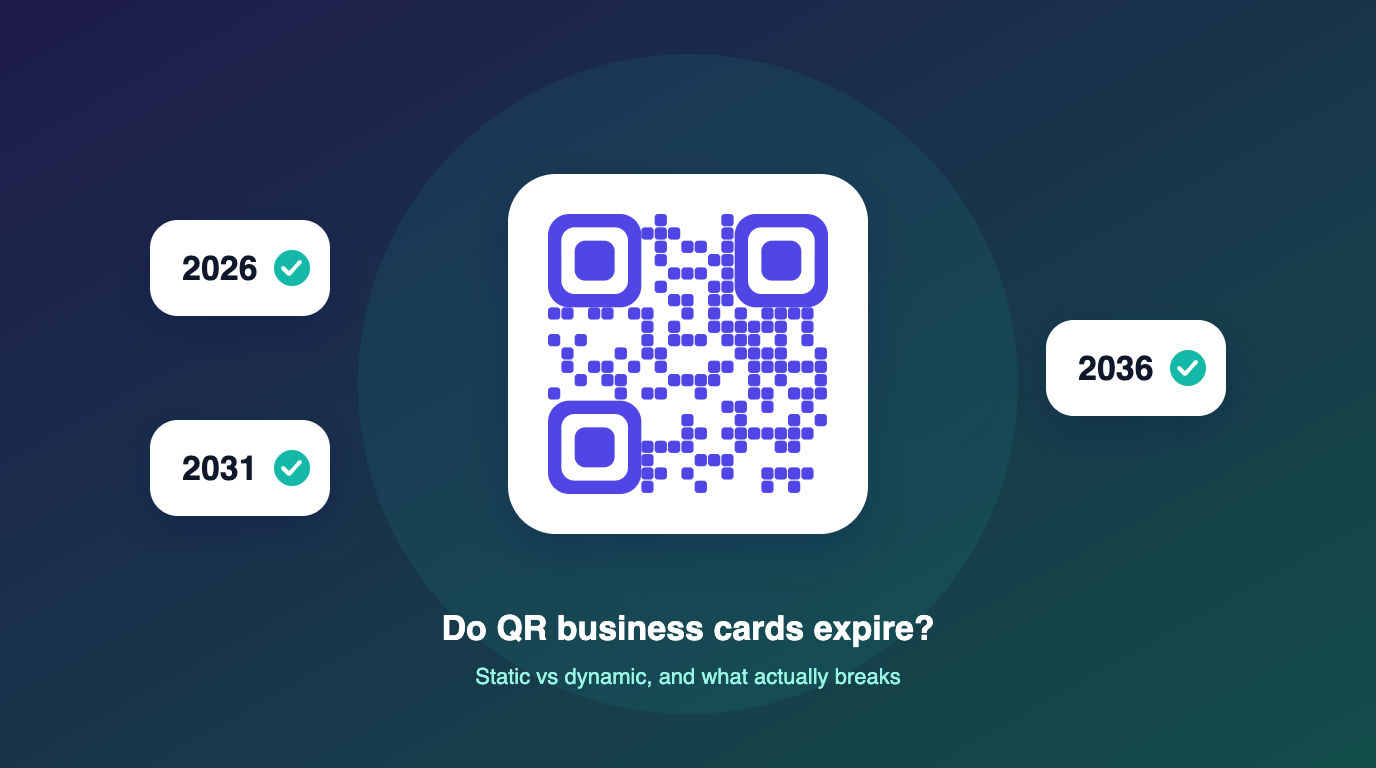
A QR code is just a picture of some text. The picture itself cannot expire. What can stop working is where that text points. That is the whole difference between static and dynamic QR codes.
| Static QR code | Dynamic QR code | |
|---|---|---|
| What is inside the code | Your actual contact details (a vCard) | A short link to your online card |
| Can it expire? | No. It works as long as the print is readable. | Only if the link behind it is switched off. |
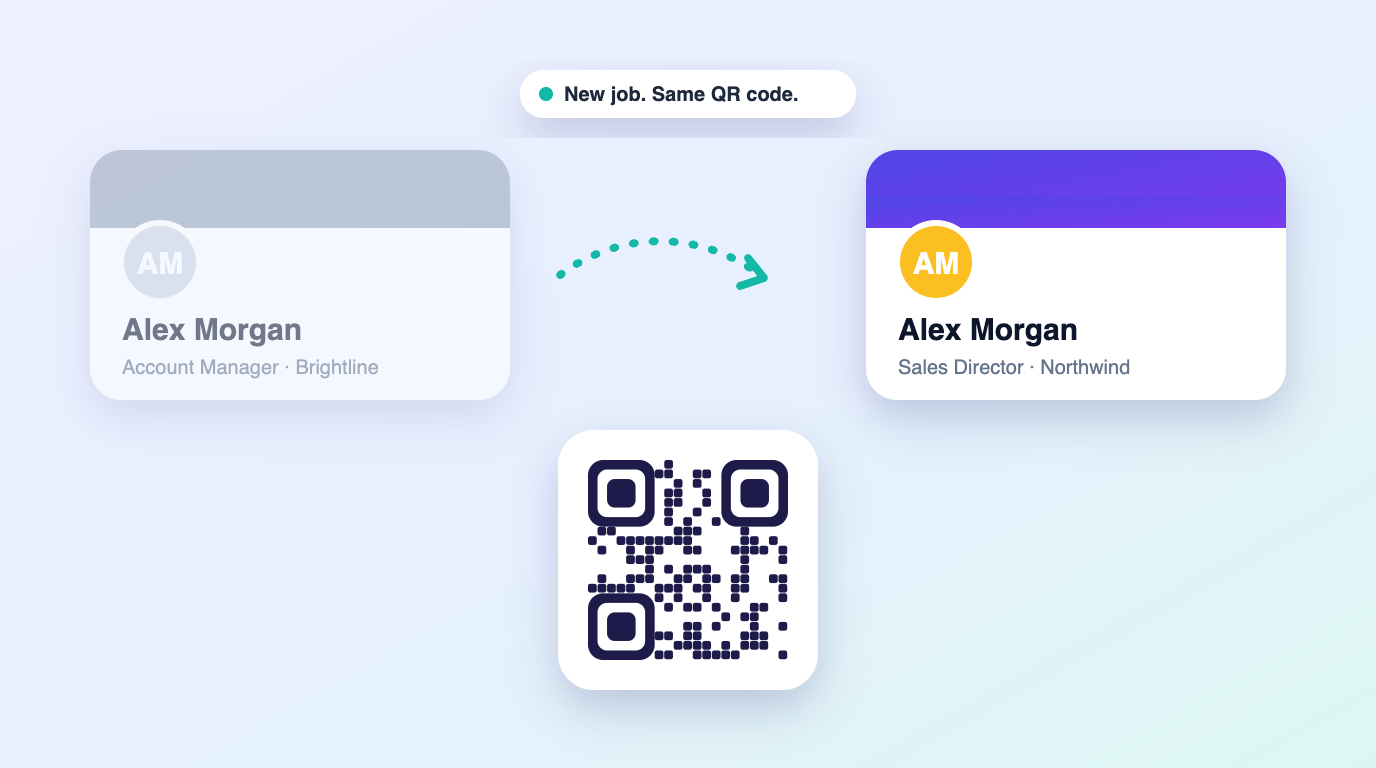
| Can you edit it after printing? | No. Any change means a new code. | Yes. Edit the card and the same code opens the new details. |
| Scan analytics | No | Yes, usually |
| Best for | Details that will not change | Details that will change over a career |
Why dynamic QR business cards stop working
When a dynamic QR code "expires", it is almost always one of these:
- Free trial ended. Some generators create a dynamic code for free, then switch it off after 7 to 14 days unless you subscribe. The code you printed during the trial stops working.
- Subscription lapsed. A missed renewal or an expired card on file can deactivate every code on the account.
- Scan or view limits. Lower tiers on some platforms cap scans per month, and codes stop resolving once the cap is hit.
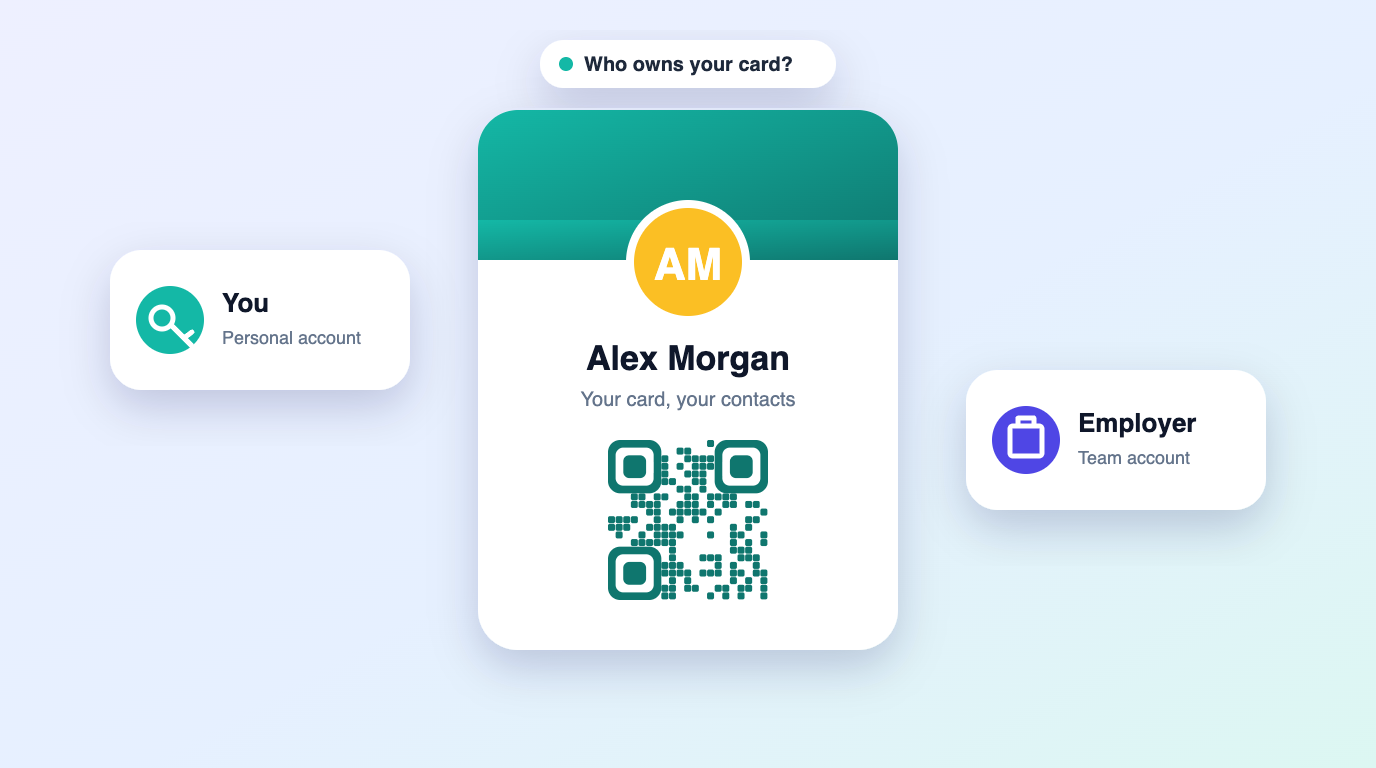
- Account deleted or seat removed. If the code lived on an employer’s team account and you left, the admin may have removed it.
- Link or slug changed. Editing the short link itself, rather than the card behind it, breaks every printed copy.
- The provider changed plans or closed. Less common, but it happens, which is why owning an export of your data matters.
How to check whether your QR code can expire
- Scan it and look at the address that opens. If it shows your details instantly with no web address, it is probably static. If it opens a web page, it is dynamic.
- Note the domain in that address. That is the company keeping your code alive.
- Log in to that account and check the plan: is it a trial, a subscription with a renewal date, or a one-time license?
- Look for scan limits on your tier.
- Make sure you can export your card details and collected contacts in an open format such as CSV or vCard.
How to get a QR business card that lasts
If your details will never change, a static vCard QR code is the most durable option there is. You can make one for free with our static vCard QR code generator, which runs in your browser and never expires because nothing sits behind it.
If your details will change, and over a career they usually do, choose a dynamic card with no trial cut-off, no scan limits and no renewal you can miss. Using your own domain helps too: when the link inside your printed code is an address you control, you decide where it points.
Where Lifetime vCard fits
Lifetime vCard uses dynamic QR codes with a one-time license: no trial that switches off, no scan caps and no renewal date. Pro plans can run your card on a custom domain you own, and you can export your contacts and leads as CSV or vCard at any time.
Frequently asked questions
Do QR codes expire?
The QR pattern never expires. A static code works for as long as the print is readable. A dynamic code works for as long as the link behind it stays active with the provider.
Why did my free QR code stop working?
Many free generators make dynamic codes that are switched off when a trial ends unless you subscribe. Static codes from a free generator do not have this problem, because they do not depend on a link.
Should my business card use a static or dynamic QR code?
Static if your details will never change. Dynamic if you expect to change jobs, numbers or branding, as long as the provider has no trial cut-off, scan limits or renewal you could miss.
Can I fix a QR code that has already been printed?
If it is dynamic and you still control the account, yes: reactivate the plan or update the destination. If it is static, or the account is gone, the only fix is a new code.