

Short answer
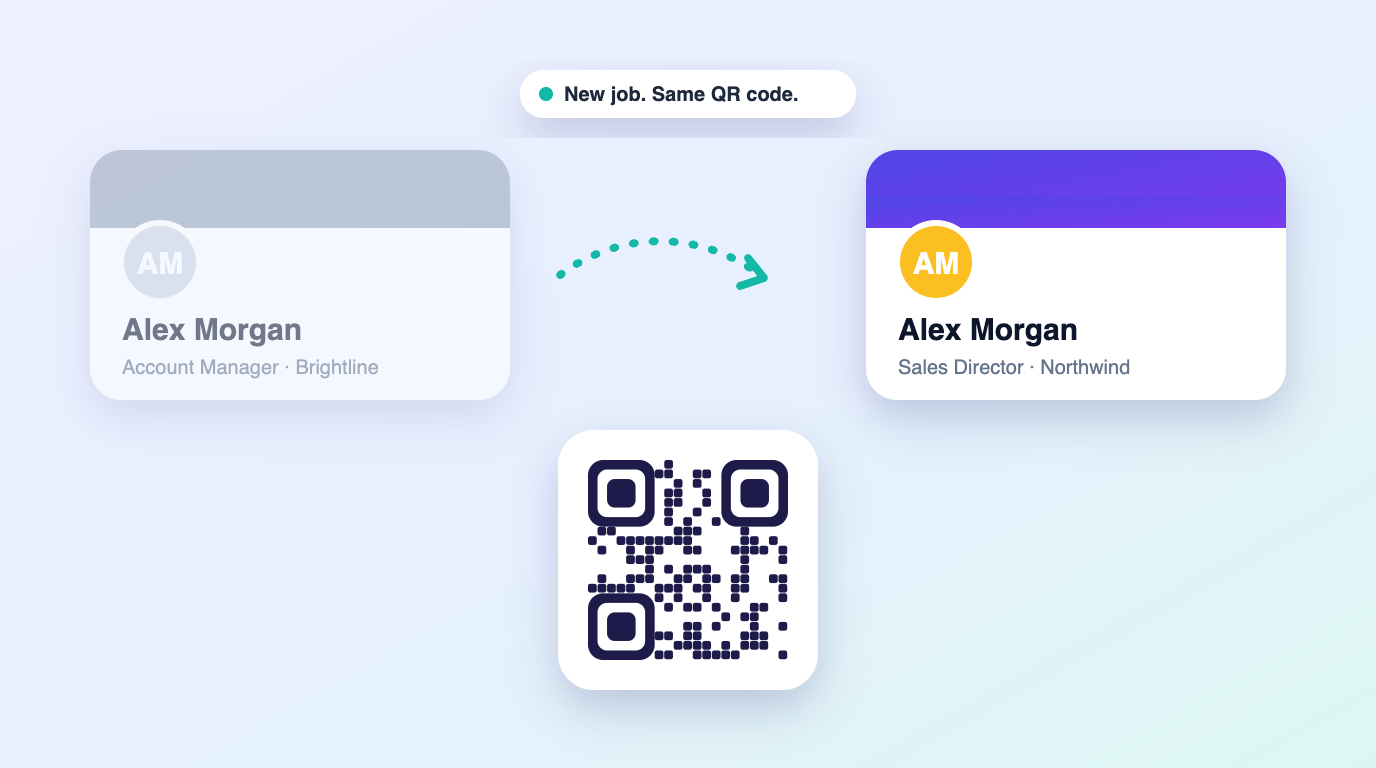
A dynamic QR business card points to a persistent cloud profile rather than hardcoded contact text. When scanned by any smartphone camera, it redirects instantly to your live card. You can edit your phone number, social links, or company at any time without changing your QR code or buying physical plastic cards.
Traditional business cards become outdated the moment your phone number, job title, or calendar link changes. Dynamic QR business cards solve this permanently by routing scans through a secure, persistent URL that you control.
Dynamic QR codes vs static QR codes
A static QR code encodes your entire vCard text directly into the black-and-white pixel pattern. Because the data is frozen inside the code, any change requires generating and distributing a brand new code. A dynamic QR code encodes a short, unchanging link to your cloud profile, keeping the code simple, crisp, and 100% editable.
| Feature | Static QR code | Dynamic QR card |
|---|---|---|
| Editable after sharing | No (requires new code) | Yes (updates instantly in real-time) |
| Scan analytics & clicks | No tracking possible | Full scan counts, dates & visitor logs |
| Apple & Google Wallet pass | Not supported | Yes, saved directly to phone wallet |
| Two-way contact exchange | No | Built-in lead capture form |
| Phone camera compatibility | Requires full camera focus | Instant scan at high angles & low light |
Why 100% digital sharing beats physical plastic hardware
Many providers try to upsell physical plastic or metal cards with proprietary chips. In reality, physical cards can be lost, scratched, or forgotten at home. A dynamic QR card lives natively on your phone lock screen, in your Apple Wallet, on virtual meeting backgrounds, and in your email signature. You never have to order, wait for, or carry plastic.
Best ways to display your dynamic QR code
- Add your card to Apple Wallet or Google Wallet for instant double-click access from your phone or smartwatch lock screen.
- Save your QR code as a phone lock screen wallpaper so contacts can scan without unlocking your device.
- Embed your QR code in your Zoom, Google Meet, or Microsoft Teams virtual background during video conferences.
- Place your QR code into your professional email signature alongside your direct bio link.
Is dynamic QR sharing private and secure?
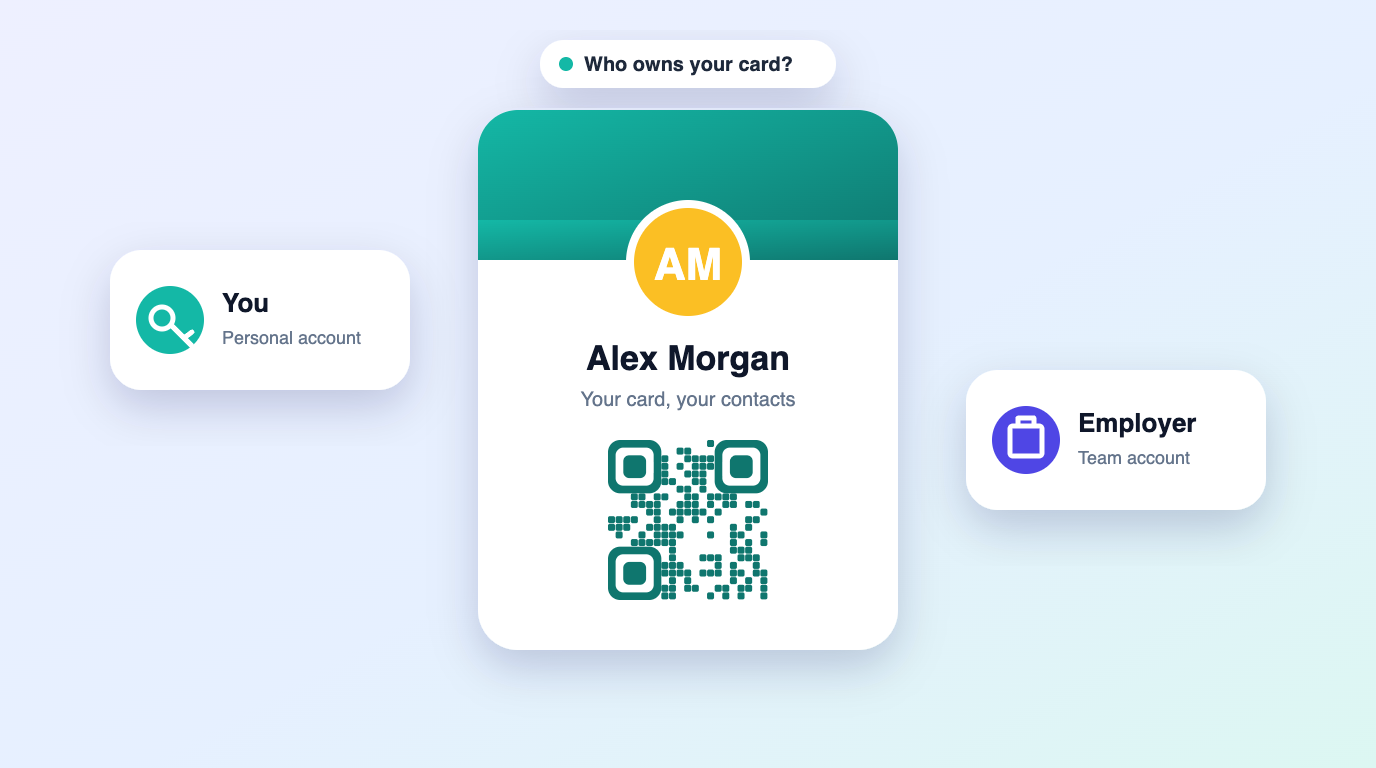
Yes. Your dynamic QR code only shares the public profile information you choose to show. You can show or hide specific phone numbers, toggle two-way contact exchange, and export your collected leads to CSV or CRM at any time.
Why dynamic QR should not require a monthly subscription
A contact profile is lightweight and rarely changes, so keeping it online does not call for a recurring fee. Paying $6 to $8 every month just to keep a QR code active is an unnecessary burden on independent professionals. Lifetime vCard gives you unlimited scans, dynamic QR updates, and lead capture for a single one-time payment.
Frequently asked questions
Do people scanning my QR code need an app?
No. The native camera app on any iPhone or Android opens your digital card directly in their web browser.
Will my QR code stop working if I update my phone number?
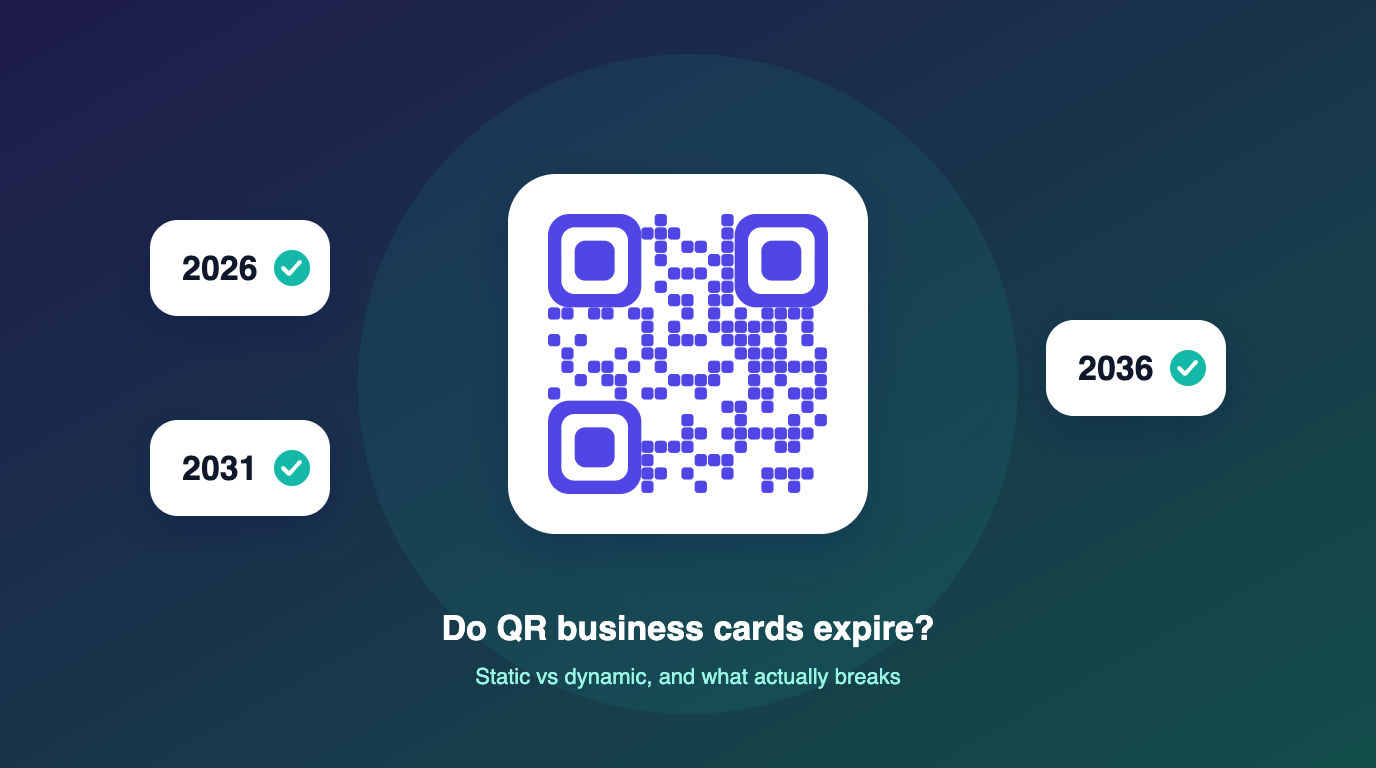
No. The QR code stays identical forever. It always loads your current profile information.
Do I need to carry a physical card?
No. Lifetime vCard is 100% digital. You can share your card anytime using your phone, wallet pass, or direct link.