
Short answer
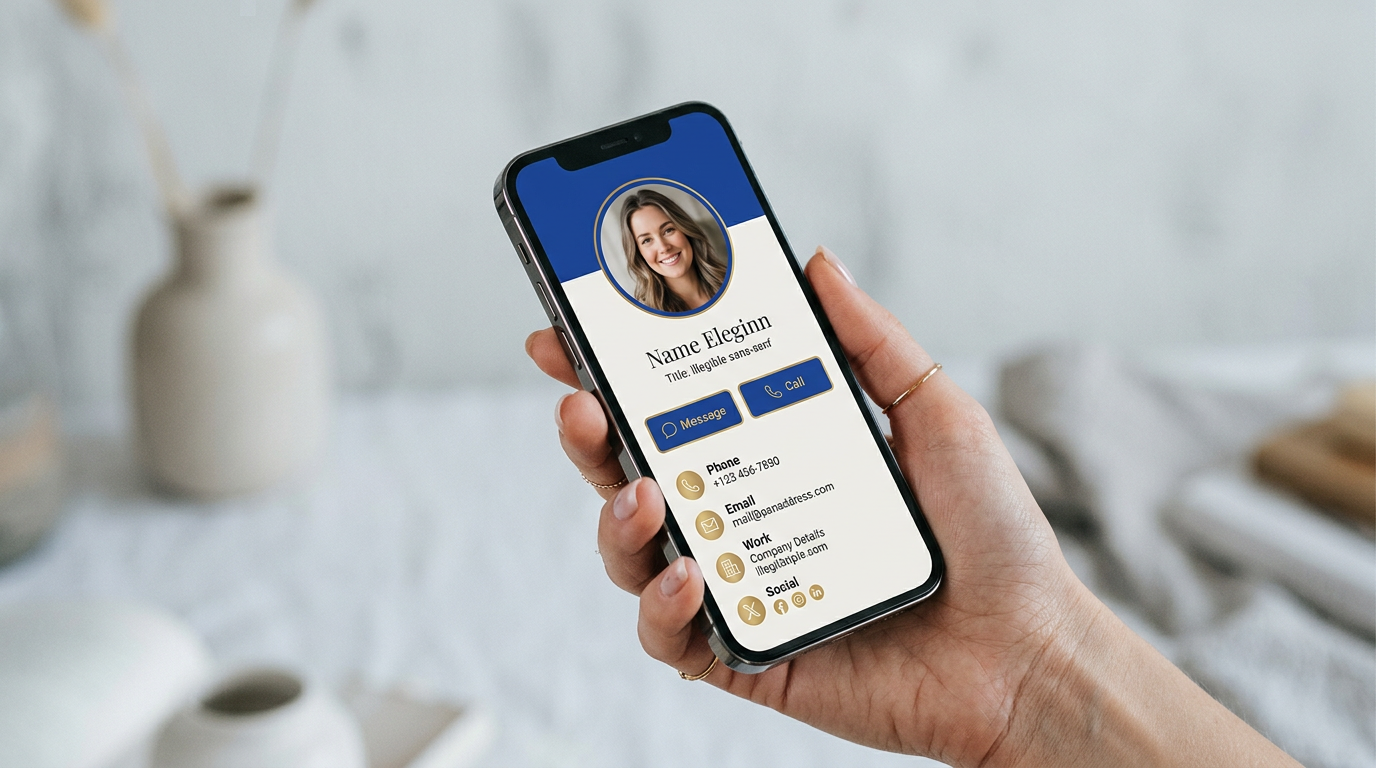
A digital business card is an online contact profile, opened on any phone by scanning a QR code, pulling up a wallet pass or clicking a link. Recipients can save your details to their contacts in one tap without installing an app, and you can update the card anytime.
A paper business card does one job: it gets your name and number into someone else's hands. A digital business card does the same job, but it never runs out, never goes out of date and can carry far more than fits on a 3.5 by 2 inch rectangle.
A simple definition
A digital business card, also called a virtual or electronic business card, is a mobile-friendly web page that holds your contact details, links and branding. It has a unique link, and that link can be encoded in a dynamic QR code, added to Apple or Google Wallet, or pasted anywhere you can paste text.
How it works, step by step
- You create a profile with your name, title, photo, phone, email, website and social links.
- The platform gives your profile a short link, an Apple/Google Wallet pass, and a dynamic QR code.
- Someone scans your code or opens your link, and your profile opens in their phone browser.
- They tap "Save contact" to add you to their address book as a vCard, and can share their details back.
What to include on your card
- A clear, recent headshot or logo
- Your name, job title and company
- One primary call to action, such as "Book a call" or "Save contact"
- Phone, email and website
- Two or three social profiles that matter for your work, not all of them
- Optional extras: portfolio, video intro, calendar link, office address
Why professionals are switching
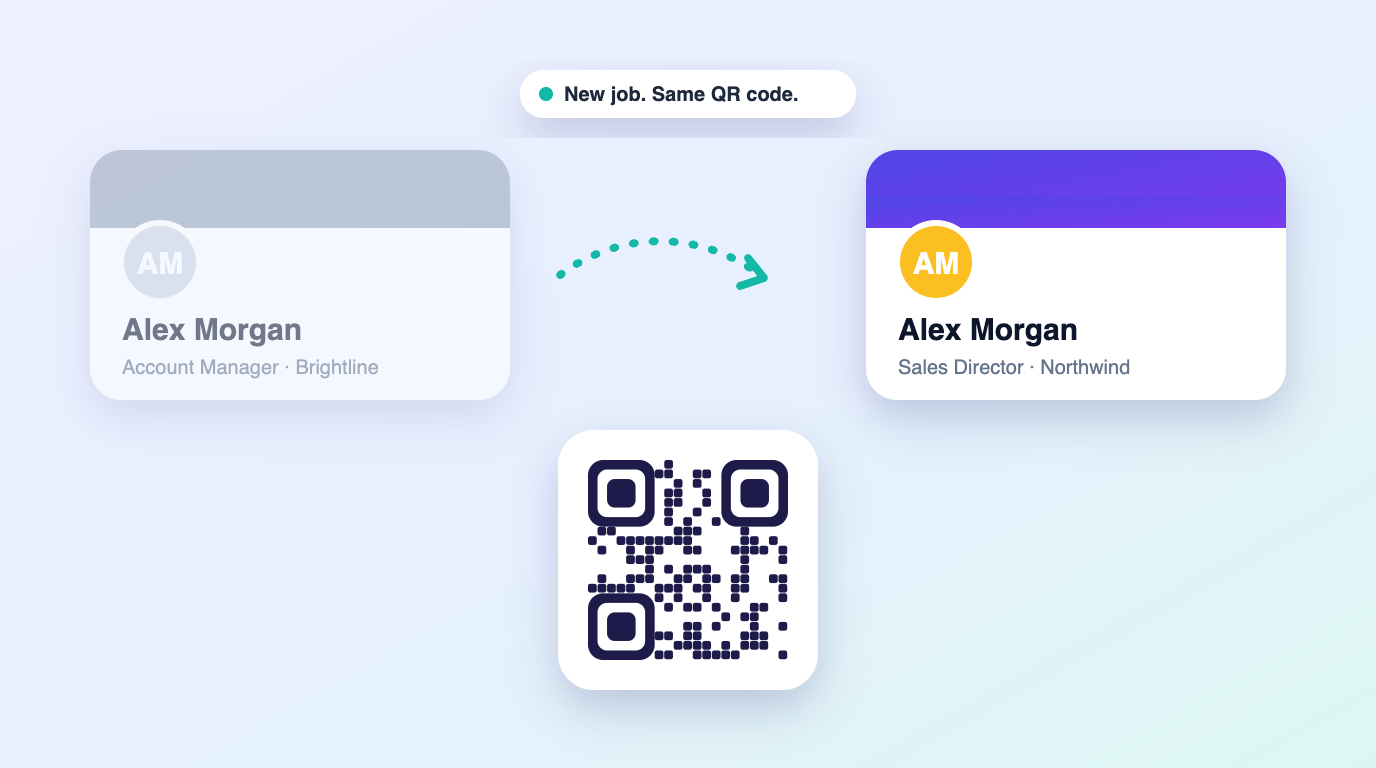
- Always up to date: change your number once and every shared card updates.
- Lead capture: contacts can send their details back, so the follow-up starts with you.
- Analytics: see which events and channels lead to real conversations.
- Less waste: no reprints when your title changes, no boxes of outdated cards.
How to create one in five minutes
- Choose a provider and decide between a subscription or a one-time plan.
- Upload your photo and logo and pick your brand colors.
- Add your contact details and the links you actually want people to click.
- Test the card on both an iPhone and an Android phone.
- Add the QR code to your phone lock screen, email signature and digital wallet for instant access.
How to choose a provider
Most providers look similar on the surface. The differences are in the pricing model, whether lead capture is included, whether physical hardware is pushed as an upsell, and what happens to your card if you stop paying. Compare the total cost over three to five years rather than the monthly price, and make sure you can export your contacts at any time.
Frequently asked questions
Do digital business cards work without an app?
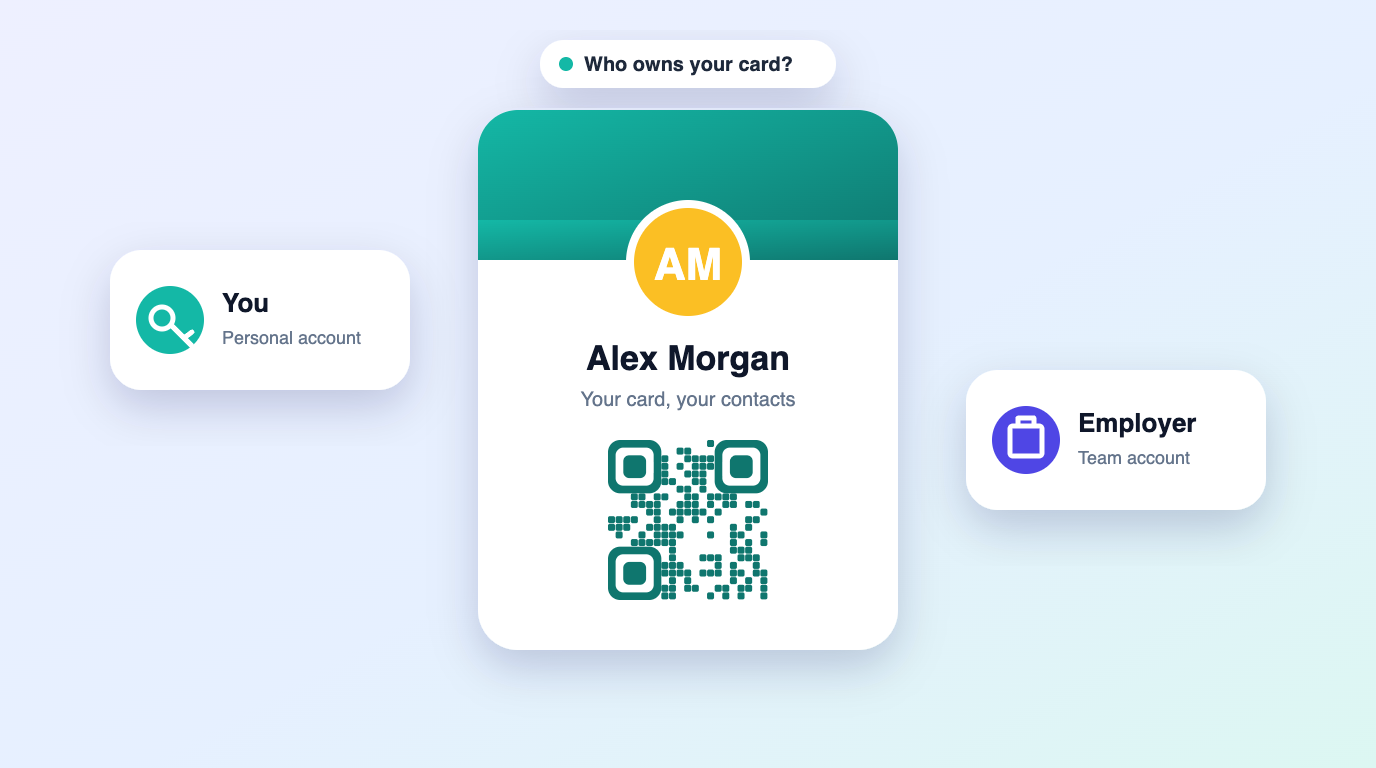
Yes. Recipients open your card in their phone browser. Only you, the card owner, use the platform to edit it.
Can I still use a paper card?
Yes. Many people print their QR code on a small run of paper cards for situations where tapping is not practical.
Is a digital business card secure?
You control which fields are public. Choose a provider that does not sell contact data and lets you hide fields or deactivate a card instantly.